 By Marcus Bell
Editor-in-Chief
Tracking sp5der Hoodie Candidates in Google Sheets
Separate "seeing a candidate" from "ready to order" On the fashion-reps sp5der hoodie pages, readers can see candidate titles, some color and size information, and can enter product detail pages to view product descriptions and QC Photos entries. But these page details do not mean stock, final price, shipping cost, or specific batch quality are confirmed. Therefore, when organizing sp5der candidates, the most important thing is not to immediately judge whic
Editor score 4.2 / 5
Separate "seeing a candidate" from "ready to order"
On the fashion-reps sp5der hoodie pages, readers can see candidate titles, some color and size information, and can enter product detail pages to view product descriptions and QC Photos entries. But these page details do not mean stock, final price, shipping cost, or specific batch quality are confirmed.
Therefore, when organizing sp5der candidates, the most important thing is not to immediately judge which one is worth buying, but to record the evidence status of each piece of information. Google Sheets is suitable for storing this status-based record: the website is for browsing and cross-checking, while the sheet is for filtering gaps, scheduling rechecks, and preserving traces of page changes.

Image: Schematic of the sp5der hoodie evidence organization process. Illustration only, not a product photo, QC evidence, or in-hand test.
Step 1: Create candidate records from website pages
Start from the sp5der catalog and enter candidate pages; do not directly copy catalog cards into a purchase list. For each candidate found, first record the following:
- Page title, keeping the original wording as much as possible.
- Color and size range shown in the catalog.
- Whether the product detail page correctly corresponds to that candidate.
- Whether the QC Photos entry is visible.
- The update time or check date displayed on the page.
- The original page URL for later re-verification.
This site's product detail pages show a purchase overview, fit description, and product-related content, and also provide entry points for selecting a purchasing platform. For these pages, catalog information is suitable for discovering candidates, while detail pages are for checking field consistency. If the title, color, or size between catalog and detail page is inconsistent, record the discrepancy first; do not merge them on your own.
Step 2: Use status columns to mark evidence levels
It is recommended to set up at least four status columns and use them separately. This avoids mistakenly writing "page exists," "detail matches," and "variant confirmed" as the same conclusion.
| Status column | Possible values | Basis for judgment |
|---|---|---|
| Catalog visible | Yes, No, Pending recheck | Whether a candidate card can be found in the sp5der catalog |
| Detail page match | Matched, Not matched, Pending recheck | Whether title, image, or page path corresponds to the same candidate |
| Variant pending | Yes, No, Partially confirmed | Whether fields such as color, size, fit, or pockets clearly correspond to a specific variant |
| Link needs recheck | Yes, No | Mark when page won't open, redirects abnormally, content changes, or source is unclear |
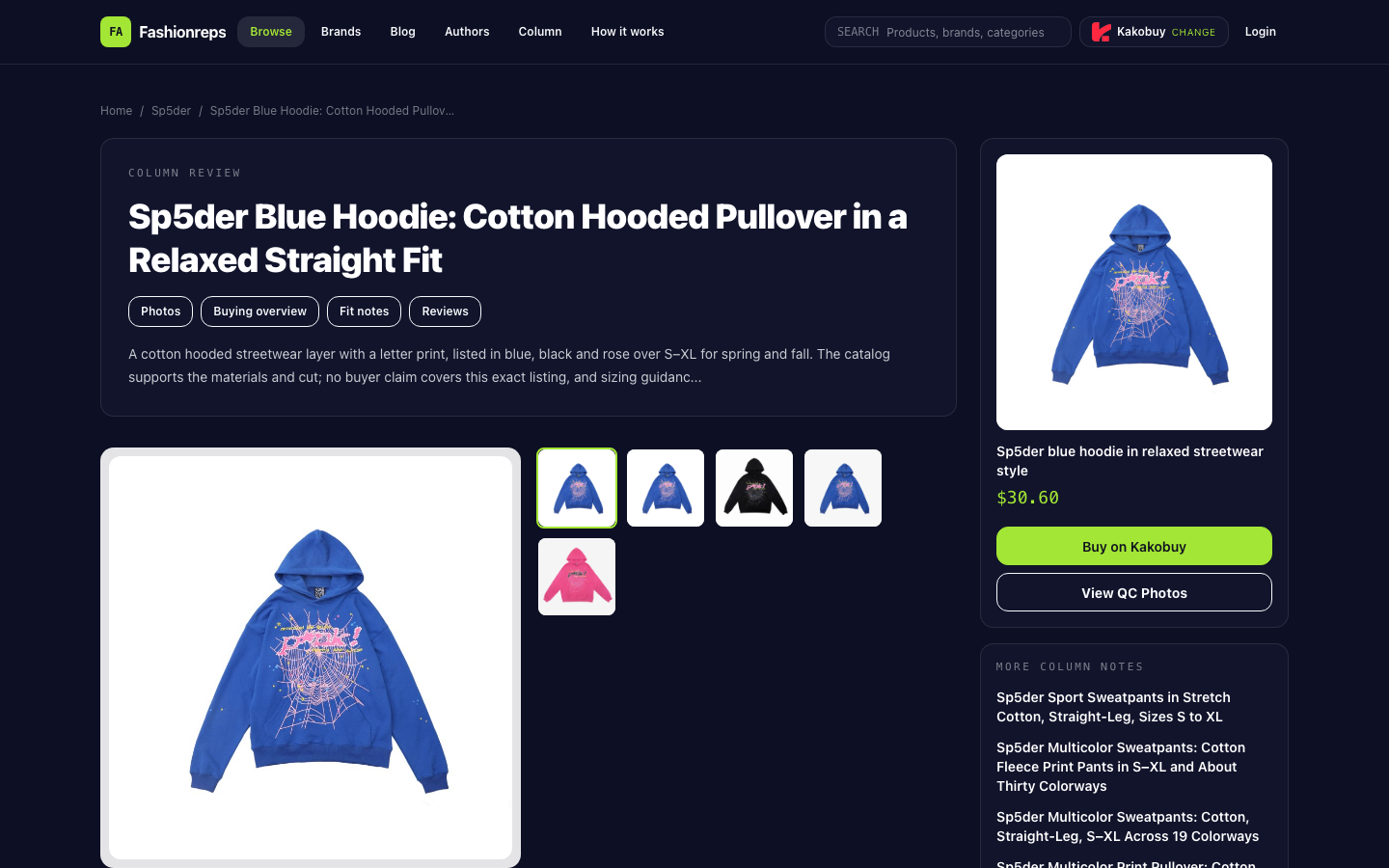
For example, a blue hoodie can be found in the catalog and the detail page opens, but the page simultaneously shows different placket or pocket descriptions. In this case, you can fill in "Catalog visible: Yes," "Detail page match: Matched," "Variant pending: Yes." This is more accurate than directly categorizing it as "purchasable."
Step 3: Break uncertain content into trackable questions
Do not just write "incomplete information" in the notes. Specifically state what needs to be checked next time, for example:
- Whether the color on the detail page matches the blue version in the catalog.
- Whether the current size has flat measurements for that variant.
- Whether the placket is actually a pullover or a zipper structure.
- Whether the pocket description matches the current image.
- Whether the QC Photos belong to that specific product or are just references for a similar style.
- Whether the price on the page is only a reference or already includes service fees and international shipping.
The existing page materials support catalog-level descriptions of material, cut, color, and size; they do not provide independent buyer feedback for that specific link, nor can they confirm stock, final payment amount, or quality after receiving the actual item. If the "Price" field is kept in the sheet, it is recommended to name it "Page reference price" and add a separate "Final cost pending confirmation" field; do not write the reference price as the transaction price.
Step 4: Set rules for inclusion, hold, and exclusion
To keep filtering results consistent, you can add a "Decision" column to the sheet.
Include candidate means the catalog and detail page can be matched, key fields have no obvious conflicts, and the link still needs to be rechecked before preparing to order. Inclusion does not mean stock or quality is confirmed.
Hold for recheck means the page still has value, but there are gaps in color, size, placket, pocket, QC attribution, or link status. Hold records should retain specific questions for later processing.
Exclude means the page is invalid, the candidate cannot be matched, information conflicts cannot be explained, or the page is no longer suitable as a purchase clue. Record the reason for exclusion; do not just delete the entire row, otherwise you cannot later tell if it was a duplicate candidate, a dead page, or an active abandonment.
Step 5: Record page update times and recheck traces
Page information may change, so it is recommended to add three columns: "First recorded time," "Last recheck time," and "Recheck result." Each recheck should only update fields that actually changed, and note the change in the remarks, such as "size range changed," "QC entry disappeared," or "title rewritten."
If screenshots are saved, they should serve as auxiliary records of page status and cannot replace the checking of links and text fields. Screenshots used for product analysis should come from the corresponding product page; images of other subjects can only be used to illustrate the organization process and cannot be treated as actual photos, QC evidence, or hands-on test results.
What Google Sheets is good for
The website is better for discovering candidates, browsing images, opening detail pages, and following purchase links. Google Sheets is better for putting multiple candidates in one view, using filters to see only records with "Variant pending" or "Link needs recheck," and sorting by last recheck time.
If multiple people collaborate, agree on unified values such as "Matched," "Pending recheck," "Excluded" to avoid some people filling in "OK" and others "Buyable," which would distort filter results. Notes should record evidence gaps, not add quality evaluations not supported by the page.
A minimal executable field scheme
| Field | Purpose |
|---|---|
| Candidate name | Keep catalog or detail page title |
| Page URL | Recheck source and link status |
| Catalog visible | Determine if from target catalog |
| Detail page match | Determine if candidate can be mapped to a specific page |
| Color and size | Record explicitly stated page content; do not fill in missing values |
| Variant pending | Mark field conflicts or unclear ranges |
| Page reference price | Record only reference info shown on page |
| Link needs recheck | Track broken, redirected, or changed content |
| Last recheck time | Determine if record needs re-inspection |
| Decision | Include candidate, hold for recheck, or exclude |
| Notes | Write down specific questions for next check |
When using this method to organize sp5der hoodies, what you end up with is not a list of items assumed to be available, but a candidate table that shows the completeness of evidence. Only when page correspondence, specific variants, and link status have been rechecked is it appropriate to move to the next purchase judgment; before that, the "unconfirmed" status should be explicitly retained.